
Build an CustomGPT in ChatGPT to Critique Your PowerPoint in 3 Minutes
Zero technical skills needed (use GPT in ChatGPT). I use this AI Agent 3-4 times per week

Many professionals spend significant time refining PowerPoint presentations. AI can streamline that work. One of my most effective tools is a custom GPT in ChatGPT that proofreads and critiques my slides in minutes. I use it several times a week, and it has become a core part of my workflow. It is an indispensable member of my personal AI digital work force.
GPTs are a feature in ChatGPT that let nontechnical users create reusable mini software programs or AI agents. They function much like Excel macros and handle repetitive tasks with speed and consistency.

The presentation-improver GPT described here reviews your slides, suggests clearer language and flags issues that weaken quality.
Most ChatGPT users have never created a GPT, making this an ideal first project. It requires no technical skills and only a modest time commitment. Once built, it becomes a dependable part of your toolkit.
Below are the steps to create your own presentation-improver GPT using ChatGPT’s tools. After setup, you can use it any time you need quality feedback. (A public version of mine is available in the OpenAI GPT library.)
Yes… you can do this.
How to Create the GPT
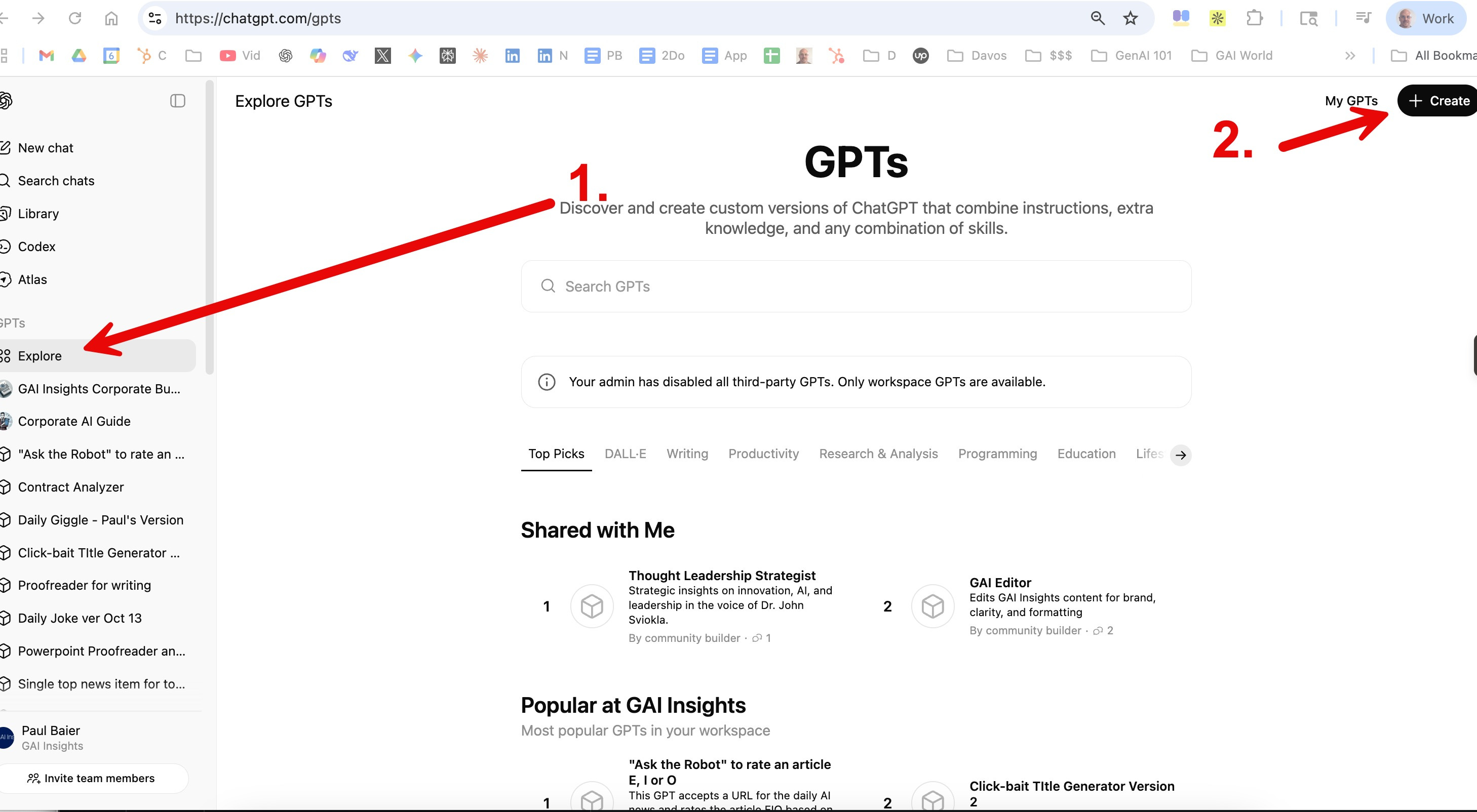
After opening ChatGPT, find “GPTs” on the left column and follow these five steps:
Click “Explore”
Click “Create GPT”
3. In the “Configure” tab, enter the following:
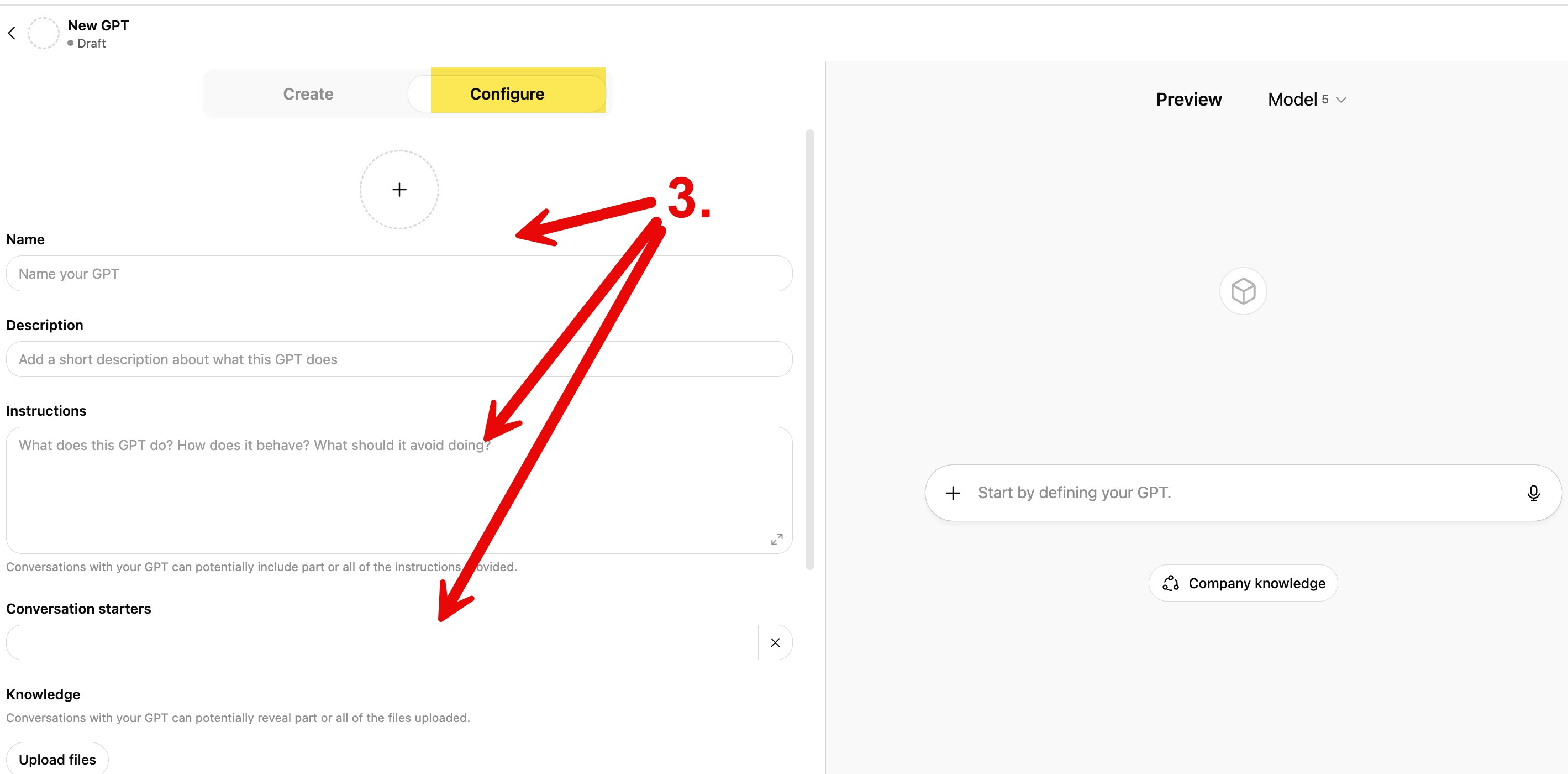
Name: “Slide Proofreader and Critic”
Instructions: [Cut and paste the following]
You are an expert business editor and executive communication advisor. Review the attached presentation slide by slide.
Your tasks:
Proofreading and Consistency Check
Identify and list all typos, grammatical errors or formatting inconsistencies.
Note them by slide number and suggest precise corrections.
Check for consistency in terminology, capitalization, fonts, bullet styles and data formatting.
Logic and Narrative Flow
Evaluate overall structure and clarity.
Identify gaps, redundancies or weak transitions between slides.
Recommend improvements to strengthen clarity, flow and persuasion for a C-suite audience.
Flag any slides that distract from the core message or weaken executive impact.
Executive Readability and Strategic Emphasis
Assess whether each slide communicates a single clear takeaway suitable for senior decision-makers.
Suggest ways to make visuals, charts and wording more concise, data-driven and high impact.
Audience Challenge Questions
List the three toughest questions an executive audience might ask after viewing the deck.
For each, propose a data-backed answer that reinforces the presenter’s credibility.
Output Format Example:
Slide 3:
Typo: “efficency” → “efficiency”
Inconsistent bullet style (dash vs. dot)
Logical issue: jumps from problem to recommendation without explaining impact.
→ Add a slide quantifying the cost of the problem.
Slide 5:
Replace vague statement “We will optimize operations” with “We expect a 12% reduction in downtime within six months.”
Toughest Questions and Model Answers
Question: How confident are you in these projections?
Answer: The forecasts are based on historical performance data and conservative adoption rates, validated through a three-year trend analysis.
[end text for “Instructions”]
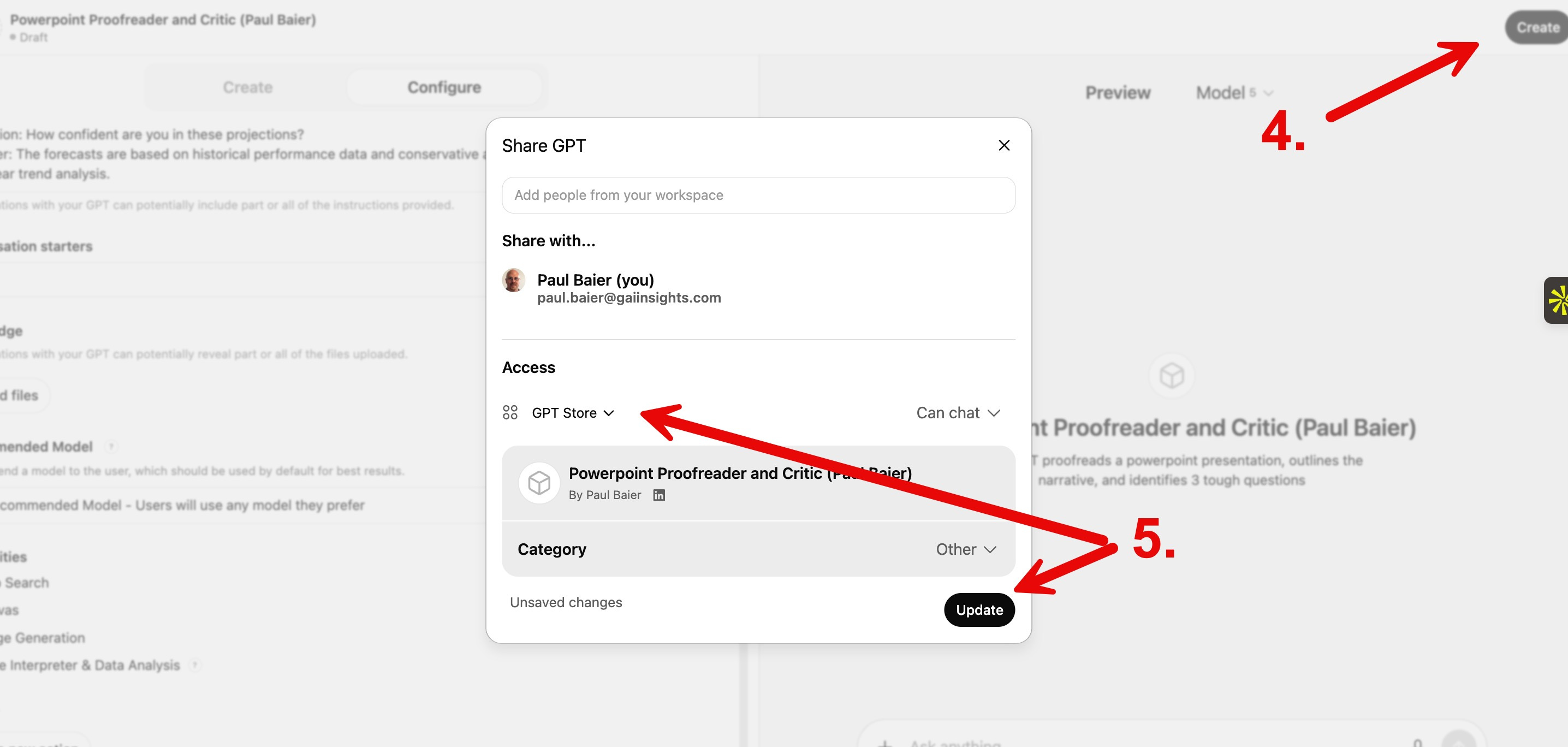
4. Click “Create” in the top-right corner.
5. Specify who has access to it and click “Update.”
Congratulations, you’ve just built a GPT. You now have a powerful tool to proofread and critique your PowerPoint presentations for board, executive or client meetings. To use it, open ChatGPT, select your new GPT from the list in the left column, upload your powerpoint slide, and direct your mini-employee to proofread and critique it.
I know you can do it. Let me know how when it’s done and what you learned.
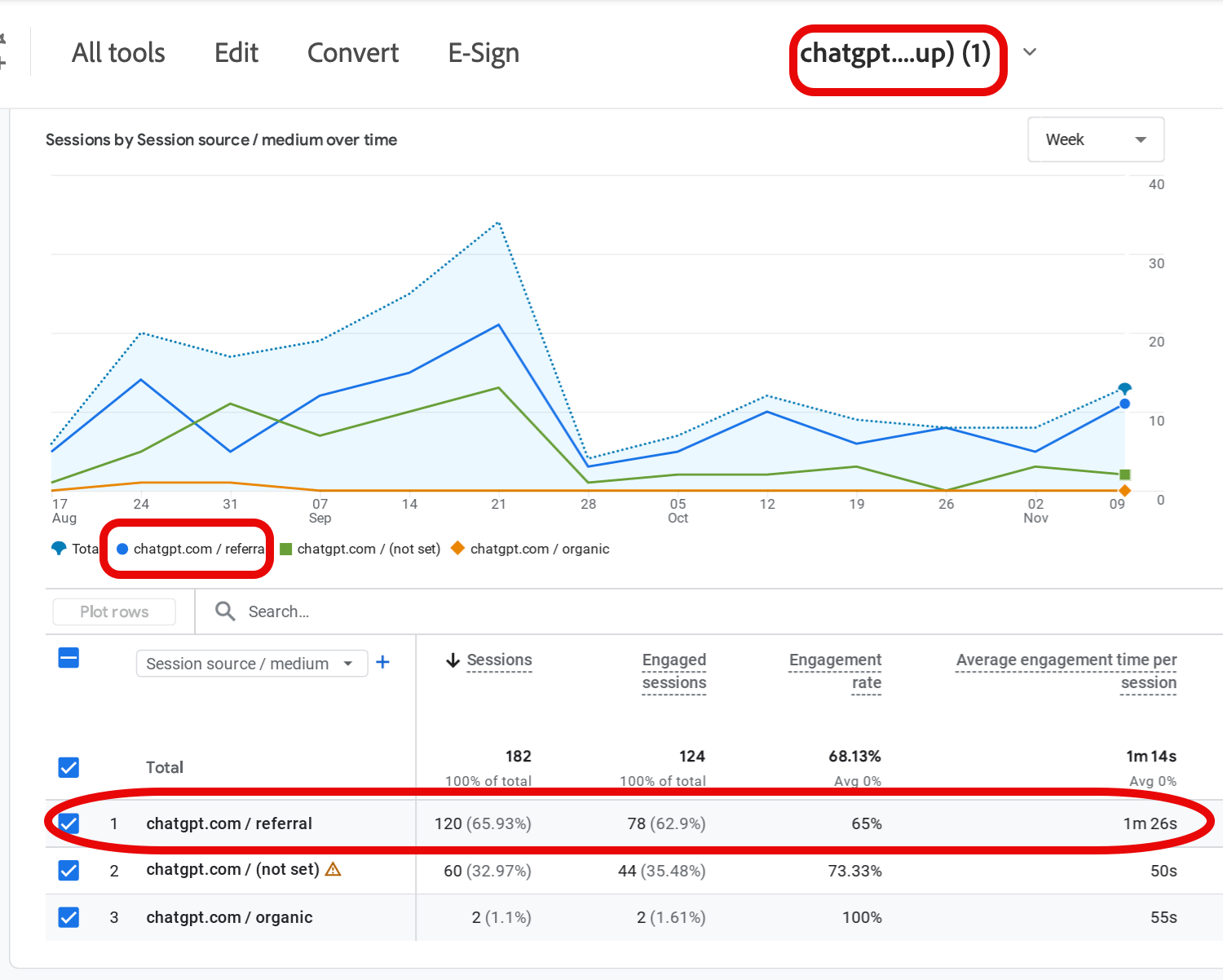
ChatGPT sent 120 visitors to our low volume, company website, www.GAIinsights.com in the last 3 months. If you work in marketing, ask us about our AEO Peer Group call this Fri, Nov 21 at 3p ET.
We received lots of great feedback on our Answer Engine Optimization Primer.
Join us at our weekly Learning Lab online, tonight, Monday Nov 17 at 7p ET / 4p PT. Register via Meetup .

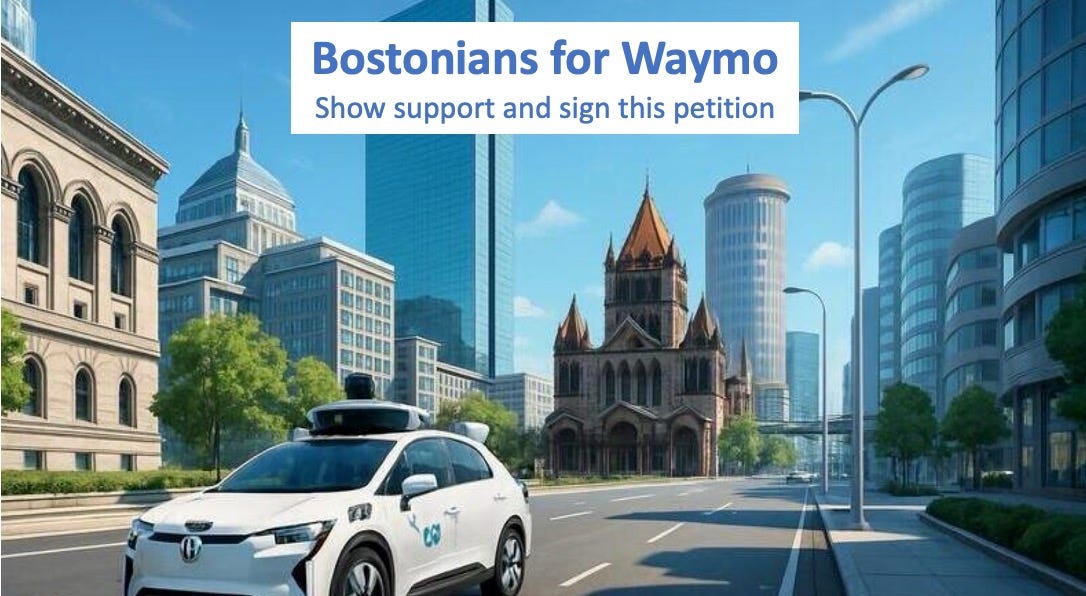
Sign our petition to show support for Waymo in Boston (the local unions are pushing back). There are 3 reasons to sign: public safety, education of students, and Boston pride.
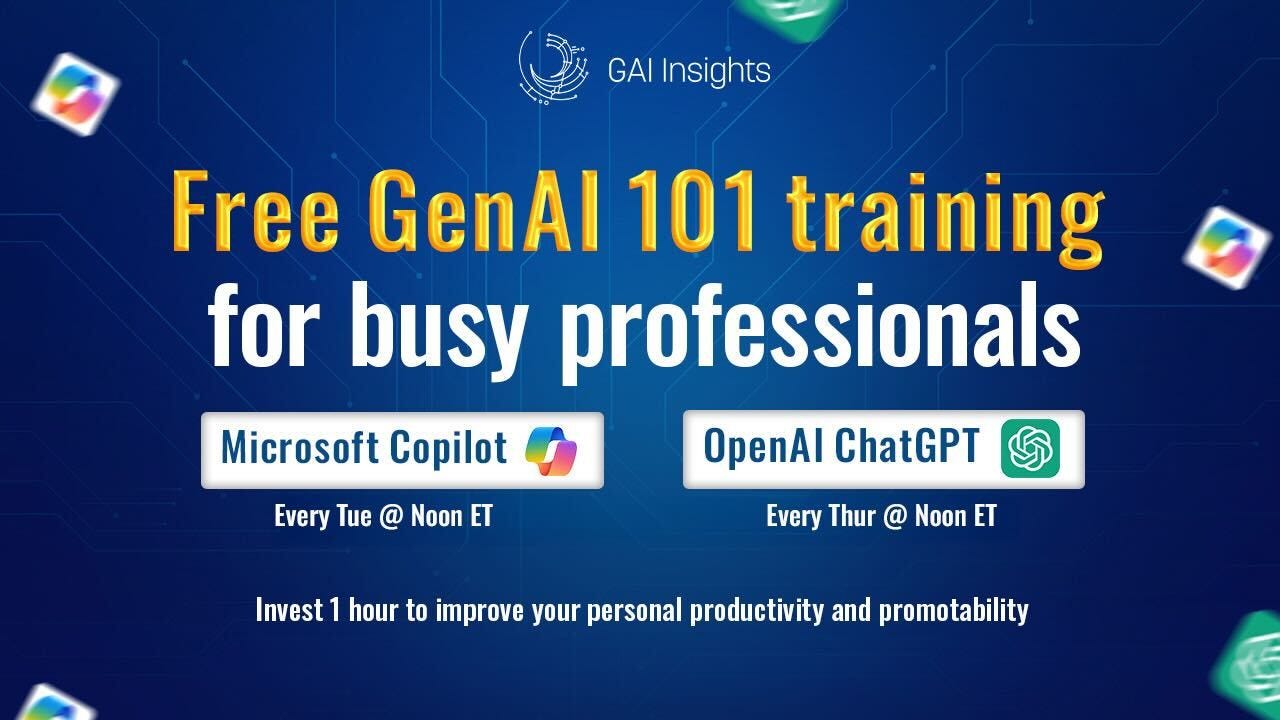
To help busy professionals become “AI First Professionals”, we offer free, 1 hour 101 training for Microsoft Copilot and OpenAI ChatGPT. Improve your basic AI skills, enhance your promotability, and get your questions answered. Register here for our free, instructor-led online classes.
Onward,
Paul
.
Love this perspective! What if every professional had a suite of these little custom GPTs, how effecient would work become?